
 English
 Bengali
1XOK App Pocket Casino Built for Bangladesh Phones
The 1XOK Android package ships as a direct APK from 1xokbd.net/app.apk. It isn't listed on Google Play because Play Store excludes real-money gambling apps in Bangladesh — every licensed operator serving this market uses the same direct-download model. Package weight is roughly 22.5 MB. Minimum requirement is Android 5.0 (Lollipop, 2014) or later. iOS isn't supported because App Store rejects gambling titles for Bangladesh and iPhone sideloading is impractical for most users. iPhone owners still get the complete library through the mobile casino in Safari or Chrome. Explore our games collection right now.
What Makes the 1XOK Mobile App Different
Rival casino apps typically demand Android 7.0 or higher. We deliberately support Android 5.0 because handset lifecycles across Bangladesh run longer than in richer economies — we'd rather keep you connected on older hardware than shut you out. Our cost is roughly 4 MB of extra compatibility code; your benefit is a working app on phones that competitors reject outright.
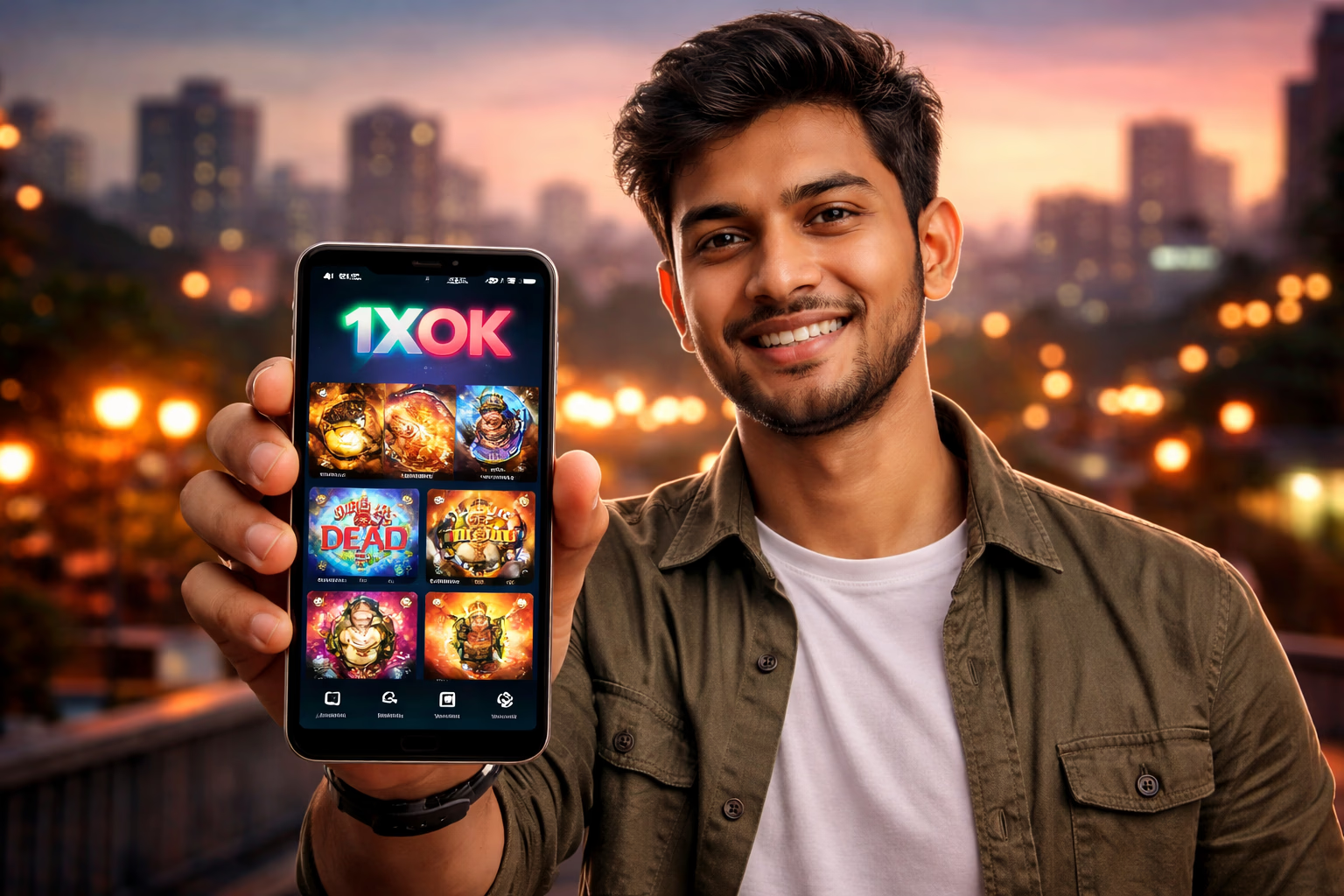
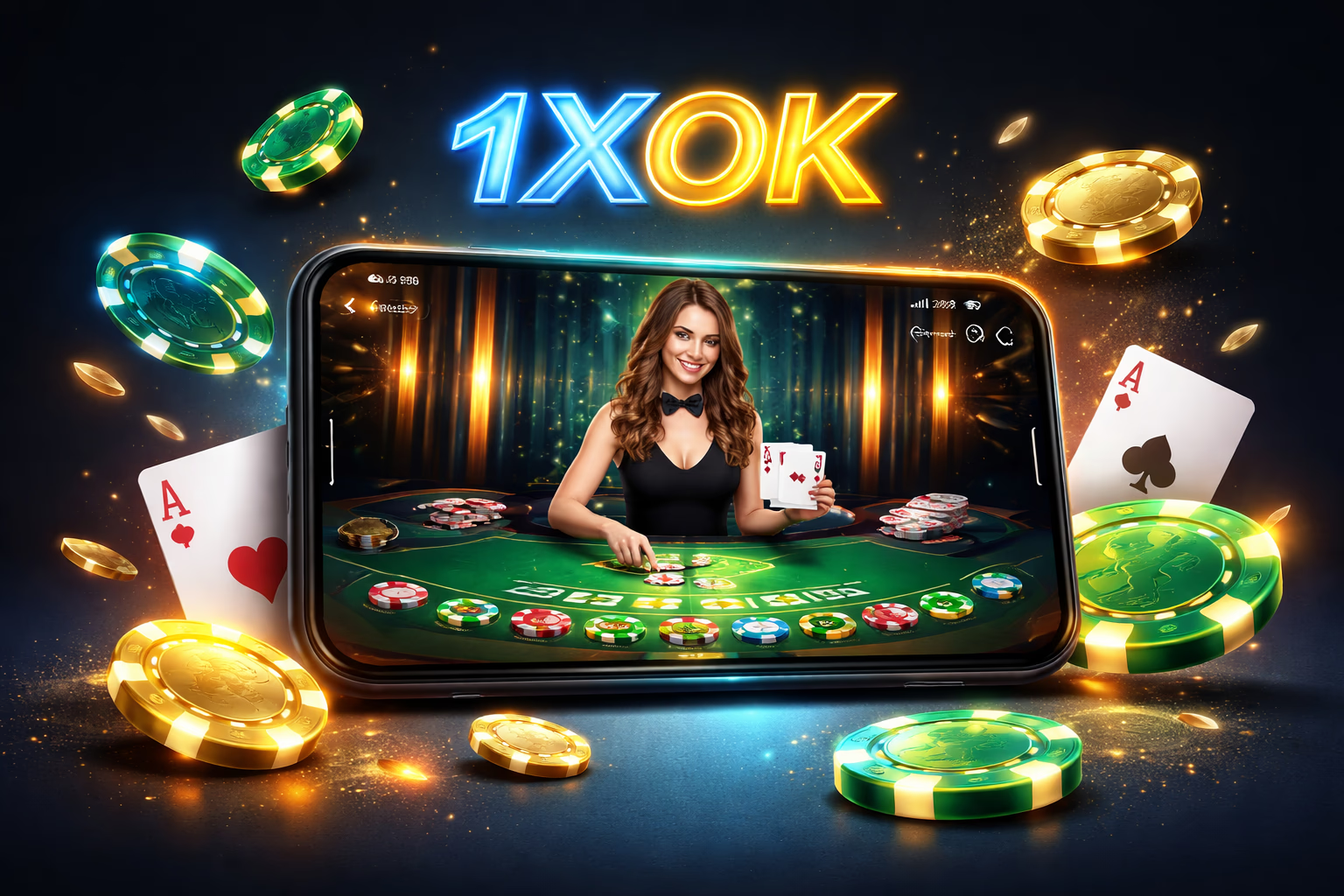
The application delivers the entire casino floor, sportsbook and live dealer catalogue in a snappier, more resilient shell than the browser version. Live streams are smoother, push alerts fire reliably for bonus drops and match reminders, and session handling is far more stable — no more losing your place when switching tabs.
Account data lives on our servers, not your handset. Balance, bonus progress, KYC status and gaming history stay synchronised across desktop, mobile browser and app — hop between them without friction. Start on your laptop, continue on your phone, wrap up on a tablet — nothing gets re-entered.
Play NowMobile App Benefits Every Player Notices
One-Tap Launch
The home-screen icon opens the platform instantly — no browser tab hunting, no URL typing, no chance of stumbling onto a cloned phishing page. For players wary of counterfeit sites (a genuine issue here — fake 1XOK domains circulate constantly), the installed app is a fraud-proof gateway. Dive into our slots collection.
App-Exclusive Bonuses
Selected promotions run only for app users — bonus drops synced with live cricket fixtures, free spin waves on featured slot debuts, occasional cashback boosts. Push alerts arrive in the app but never through the mobile site. Login to activate them.
Hardened Security
The app processes credentials more safely than a browser session. No auto-saved passwords sitting in browser storage. No third-party cookies that other sites can exploit. Our network layer enforces certificate pinning — even if your device's DNS gets hijacked, the app refuses to connect to a spoofed server. Try live betting today.
Instant Notifications
Push alerts cover deposit confirmations, withdrawal processing, bonus credits, wagering completion, KYC approvals, upcoming match starts (for placed bets), tournament progress and platform announcements. Every category is toggleable — silence what you don't need under Android Settings → 1XOK → Notifications.
How to Download and Install the 1XOK APK
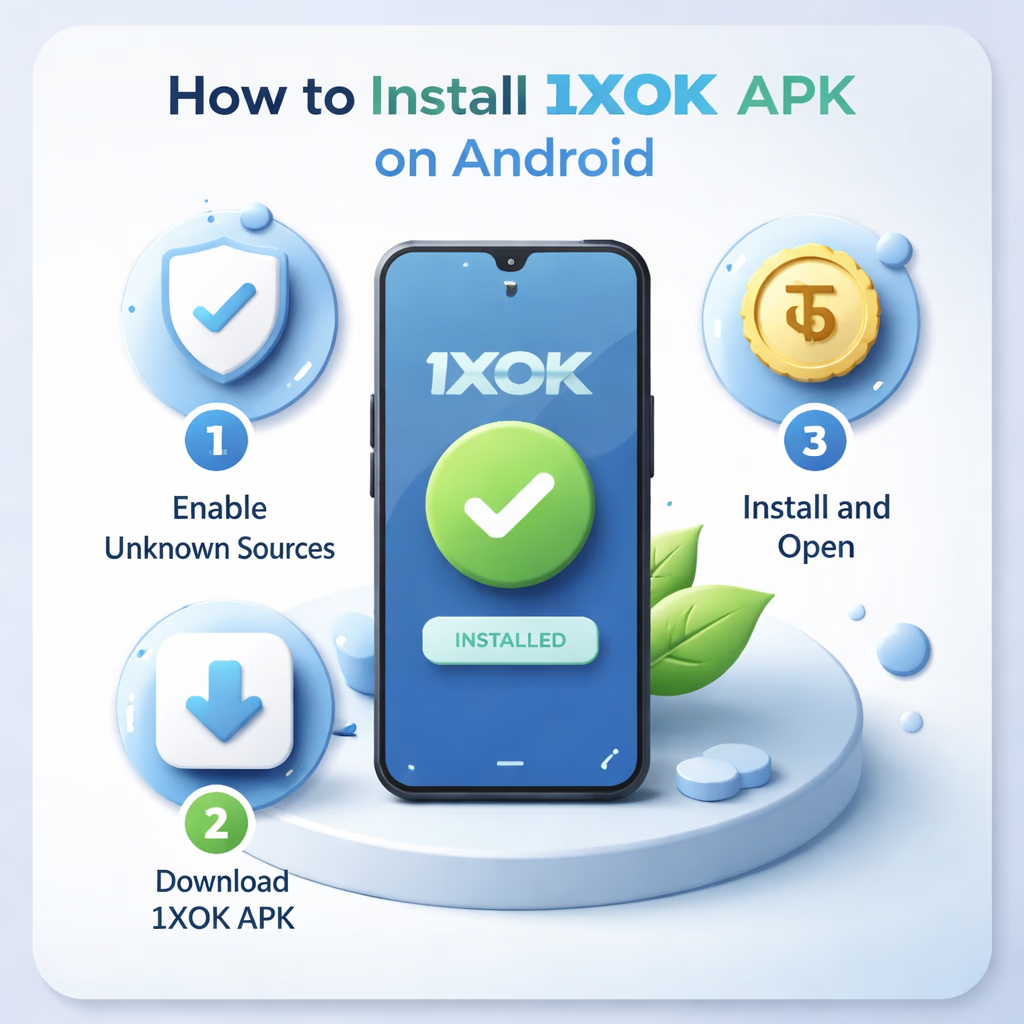
Step 1 — Fetch the APK
Tap Download APK on this page or anywhere across 1xokbd.net. The file (about 22.5 MB) lands in your phone's Downloads folder. Your browser may flash a security notice because the file didn't come from Play Store — this is expected. Approve the download. If someone shared the link from a source outside 1xokbd.net, type 1xokbd.net manually into your browser first — copycat sites distribute look-alike APKs bundled with malware. Reach out via support if unsure.
Step 2 — Allow Installs From Unknown Sources
Android disables non-Play installs by default. When you tap the APK, Android will ask permission for your browser (Chrome, Samsung Internet, whichever you used) to install packages. Open the prompt, flip "Allow from this source" on. You can revoke it afterwards — it's a per-app switch. On Android versions before 8.0, the toggle sits under Settings → Security → Unknown Sources. Verify authenticity through our verification page.
Step 3 — Install and Sign In
Tap the APK in Downloads or your notification tray. Android surfaces the permission list (Internet, Storage, Notifications, optional Camera for in-app KYC captures). Review and confirm. Setup finishes in 10–30 seconds. First launch grabs the game asset cache (50–80 MB) — one-off, later launches load instantly. Sign in with your existing 1XOK credentials — identical to the web login.
Why the 1XOK App Beats Desktop for Mobile-First Users
Cold-start speed. The mobile site must fetch HTML, CSS, JS, fonts and imagery each visit. The app already stores those assets locally — it opens in under a second. Multiplied across 50 sessions monthly, the time saved is significant. Learn more about us.
Battery consumption. Counter to intuition, the app drains less battery than the mobile site for equivalent play. Browser tabs render the full DOM and rerun JS with every interaction; the app's native rendering is dramatically more efficient. Expect 3–5% per hour of slot play on the app versus 6–10% on the browser.
For desktop-first players or anyone who prefers browsing — the mobile site carries the full catalogue and behaves reliably on any handset. The app isn't mandatory; it's simply the optimal fit for mobile-first bettors.
Enter the App
